Too much to watch and read.
Too little time.
Fixed.
3 hours of video distilled into 10 minutes of audio. DistillTube summarises long YouTube videos, Substack posts and Medium articles into text you can scan or audio you can listen to like a podcast — powered by Claude.
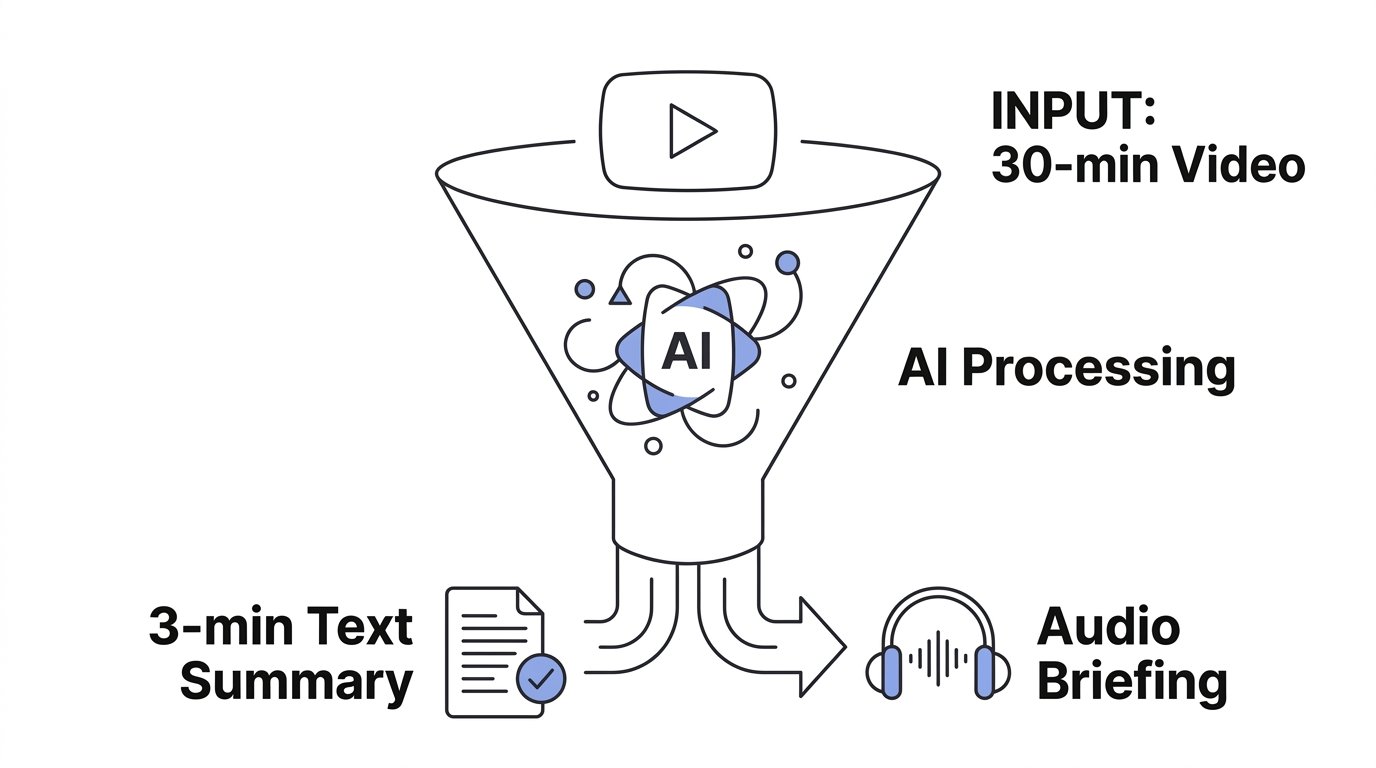
Other summarisers use generic AI. DistillTube uses Claude by Anthropic — the model that excels on long, nuanced content — then turns every summary into an audio briefing you can hear while walking, driving, or working out. No screens required.
Paste any link
A YouTube video URL, a Substack post, a Medium article, or any public blog page. Works in any language.
AI reads it for you
We extract the transcript or article text and use Claude to create a flowing summary with key takeaways — in 30 seconds.
Read or listen
Get a text summary you can scan in 2 minutes, or press play for an audio briefing while you're on the go.
30-second summaries
AI-powered summaries of videos up to 3 hours and articles of any length
Audio briefings
Listen to summaries while driving, walking, or working out
Videos + articles
YouTube, Substack, Medium, blogs — one library, unified workflow
17 languages
Summarize any content and get text + audio in your language
Ask questions
Ask anything about the content and get precise answers from the source
Your categories
Organize your library with custom categories and filter instantly
Batch analysis
Process entire channels or playlists at once with date filtering
Works on iPhone
Install as an app from Safari. Share videos directly from YouTube
Paste a video in any language. Get summary + audio in any of the 17 languages above.
Free
- 30 video summaries
- Audio briefings
- Ask questions
- 17 languages with audio
Pro
- 200 video summaries/month
- Audio briefings
- Ask questions
- Batch channel analysis
- 17 languages with audio
- Priority processing
How does DistillTube work?
Paste any YouTube URL and DistillTube extracts the video transcript, uses AI to create a concise summary with key points, and generates an audio briefing you can listen to — all in about 30 seconds.
Does it work with any YouTube video?
It works with any public YouTube video that has captions or auto-generated subtitles. This covers the vast majority of videos. Videos without any subtitles (e.g. music-only) cannot be summarized.
Can I summarize a video in a different language?
Yes. You can paste a video in any language and choose to receive the summary and audio in any of 17 supported languages. For example: an English tutorial summarized in Hindi with Hindi audio.
What does "Ask questions" mean?
After reading a summary, you can ask specific questions about the video content. For example: "What pricing did they mention?" or "What tools did they recommend?" — and get precise answers pulled from the transcript.
How does batch analysis work?
Paste a YouTube channel or playlist URL, set the number of videos and an optional date range, and DistillTube summarizes all of them in one go. Great for monitoring competitors or catching up on a course.
Can I install it as an app on my phone?
Yes. On iPhone: open DistillTube in Safari → tap the Share button (square with arrow) → "Add to Home Screen". On Android: open in Chrome → tap "Install app" when prompted. It works like a native app.
Is there a free plan?
Yes. Every account starts with 30 free summaries. No credit card required. If you need more, the Pro plan gives you 200 summaries/month for CHF 9.90.
How is this different from other YouTube summarizers?
DistillTube is the only tool that combines text summaries + audio briefings + Q&A + 17-language translation in one product. Most competitors only offer text summaries or require a browser extension. DistillTube works on any device, no extension needed.
Can I cancel anytime?
Yes. Pro subscriptions can be cancelled anytime from your Stripe account. You keep access until the end of your billing period.